










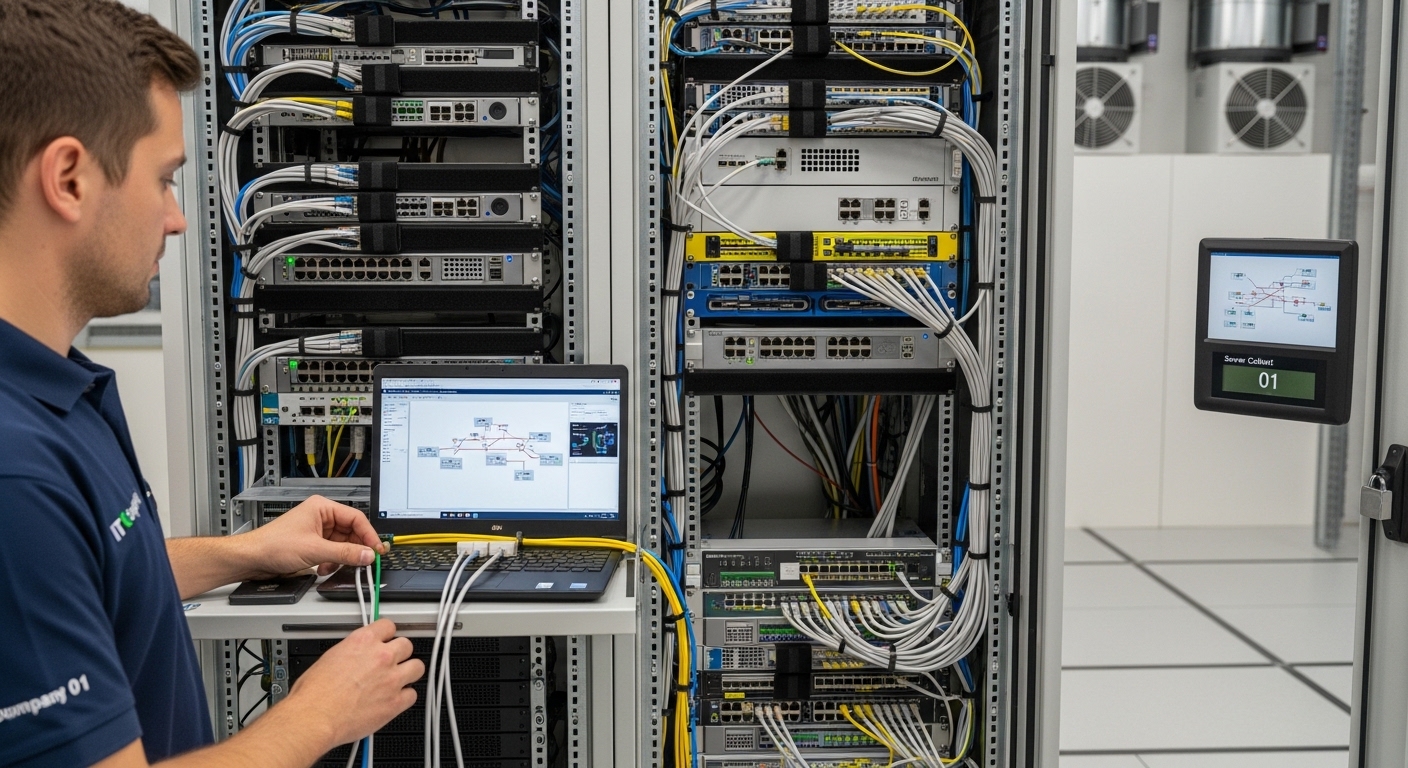
In today’s digital-driven world, reliable IT infrastructure is essential for businesses of all sizes. From small offices to large data centers, protecting networking equipment and ensuring organized cable management directly impacts performance and uptime. This is where a Network Cabinet becomes a critical investment. For indoor environments, an Indoor Network Server Cabinet provides secure, structured housing for servers, switches, routers, and other essential hardware.
In this guide, we’ll explore what a network cabinet is, why it matters, how indoor network server cabinets differ, and how to choose the right solution for your business.
What Is a Network Cabinet?
A Network Cabinet is an enclosure designed to house and protect networking equipment, such as:
- Switches
- Routers
- Patch panels
- Power distribution units (PDUs)
- Rack-mounted servers
It provides physical security, proper airflow, cable organization, and protection against dust and accidental damage.
Unlike leaving devices exposed on shelves or desks, a network cabinet creates a centralized and structured IT environment. This not only improves aesthetics but also enhances operational efficiency and equipment lifespan.
Understanding the Indoor Network Server Cabinet
An Indoor Network Server Cabinet is specifically designed for indoor environments, such as:
- Office server rooms
- Data centers
- Control rooms
- IT departments
- Telecom rooms
These cabinets are engineered for optimal airflow, structured cable routing, and secure equipment mounting. They are typically compatible with standard 19-inch rack-mounted devices.
Why a Network Cabinet Is Essential for Modern IT Infrastructure
1. Equipment Protection
Network cabinets shield sensitive IT hardware from dust, accidental spills, and unauthorized access. Lockable doors add an extra layer of security.
2. Organized Cable Management
Poor cable management can cause overheating, signal interference, and troubleshooting challenges. A structured cabinet keeps cables neatly arranged and labeled.
3. Improved Cooling and Airflow
Proper ventilation systems within network cabinets prevent overheating, which can damage expensive equipment and reduce performance.
4. Space Optimization
A well-designed indoor network server cabinet maximizes vertical space, making it easier to expand infrastructure without requiring additional floor area.
5. Enhanced Professional Appearance
An organized network cabinet presents a clean, professional IT environment, especially important in corporate offices and customer-facing facilities.
Key Features of an Indoor Network Server Cabinet
When selecting an indoor network server cabinet, consider these important features:
Standard Rack Compatibility
Ensure the cabinet supports 19-inch rack-mounted equipment, which is the industry standard.
Adjustable Mounting Rails
Adjustable rails allow flexibility when installing equipment of varying depths.
Ventilated Panels
Perforated front and rear doors improve airflow and cooling efficiency.
Cooling Options
Some cabinets support built-in fans or advanced cooling systems to maintain optimal temperatures.
Cable Entry Points
Top and bottom cable entry options make routing easier and cleaner.
Locking Mechanism
Secure locks protect sensitive network hardware from unauthorized access.
Applications of Indoor Network Server Cabinets
Corporate Offices
Businesses use network cabinets to centralize IT infrastructure in secure server rooms.
Data Centers
Indoor network server cabinets support structured server and networking deployments.
Educational Institutions
Schools and universities rely on organized network cabinets for managing campus-wide connectivity.
Healthcare Facilities
Hospitals require secure and reliable network housing to support critical digital systems.
Retail and Commercial Spaces
Retail stores use network cabinets to manage POS systems, networking hardware, and surveillance systems.
How to Choose the Right Network Cabinet
Selecting the right cabinet depends on several factors:
1. Rack Height (Measured in U)
Cabinets are measured in rack units (U). Choose the height based on your current equipment and future expansion plans.
2. Equipment Depth
Ensure the cabinet depth accommodates your deepest server or networking device.
3. Load Capacity
Check the weight rating to ensure it supports all installed equipment safely.
4. Ventilation Needs
High-performance servers may require enhanced airflow or additional cooling solutions.
5. Scalability
Plan for future growth by selecting a cabinet with extra rack space.
Benefits of Investing in a High-Quality Indoor Network Server Cabinet
- Longer equipment lifespan
- Reduced downtime
- Simplified maintenance
- Better thermal management
- Improved network reliability
- Enhanced security compliance
A well-chosen network cabinet is not just a storage unit; it’s a foundational component of a stable IT infrastructure.
Best Practices for Installing a Network Cabinet
To maximize performance and safety:
- Position the cabinet in a well-ventilated indoor area
- Maintain proper spacing for airflow
- Use cable management accessories
- Install PDUs for organized power distribution
- Label cables clearly for easy troubleshooting
Routine maintenance and airflow monitoring will ensure long-term reliability.
The Future of Network Cabinet Design
As IT infrastructure evolves, network cabinets are becoming more advanced. Modern indoor network server cabinets now include:
- Smart monitoring systems
- Integrated cooling solutions
- Enhanced security features
- Modular expansion designs
These innovations support high-density deployments and the growing demands of digital transformation.
Conclusion
A Network Cabinet is essential for protecting, organizing, and optimizing networking equipment in any professional environment. For offices and data centers, an Indoor Network Server Cabinet provides the security, airflow management, and scalability needed to maintain reliable IT operations.
By investing in the right network cabinet solution, businesses can improve performance, reduce downtime, and ensure their digital infrastructure remains secure and future-ready.