






GB WhatsApp is popular because it offers advanced privacy controls and customization options that go far beyond the official WhatsApp app. However, with greater flexibility comes greater responsibility. If users do not configure GB WhatsApp security settings correctly, their data, chats, and personal information may still be exposed. This guide explains how to enhance GB WhatsApp security using the best built-in settings and smart privacy tips.
Why GB WhatsApp Security Matters
Unlike the official WhatsApp, GB WhatsApp is a modified application. This means users must be more careful about privacy, permissions, and app behavior. Properly configuring GB WhatsApp security helps you:
- Protect private chats and media
- Prevent unauthorized access
- Reduce tracking and data leaks
- Control who sees your activity
When used correctly, GB WhatsApp can actually offer stronger privacy controls than the official app.
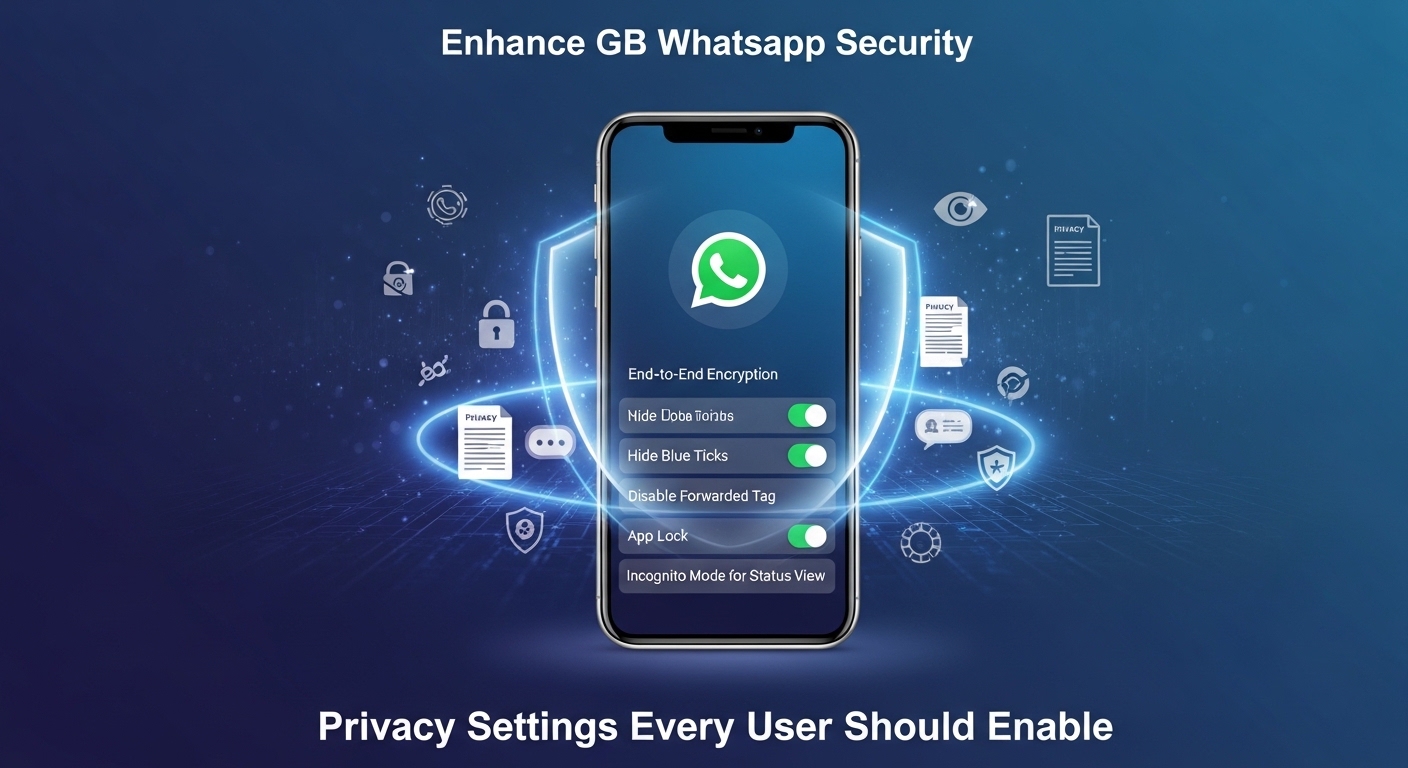
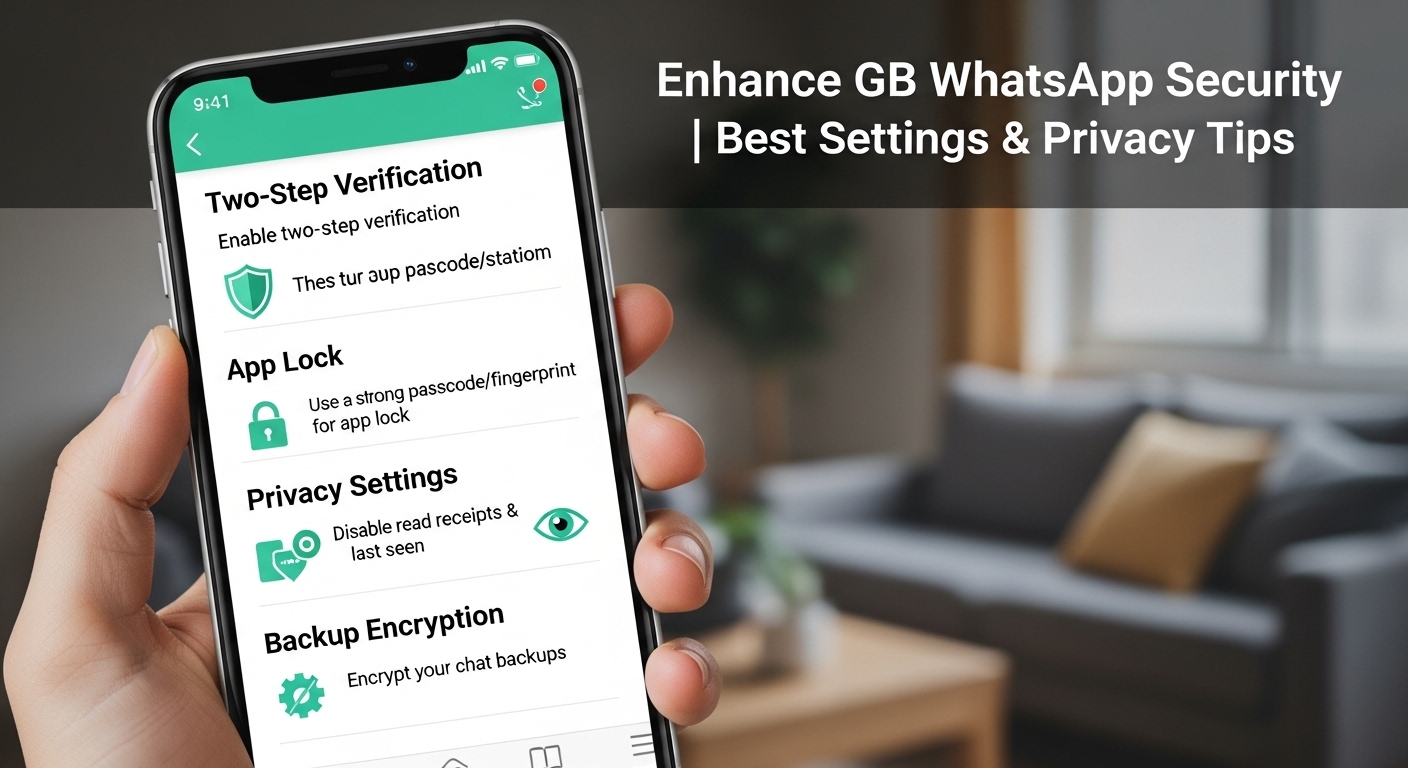
Enable App Lock for Extra Protection
One of the most important GB WhatsApp security features is App Lock.
How to enable it:
- Open GB WhatsApp
- Go to Settings > Privacy > App Lock
- Choose PIN, Pattern, or Fingerprint
This prevents anyone from opening GB WhatsApp even if they unlock your phone. For maximum security, enable fingerprint lock and set it to activate immediately.
Hide Online Status and Last Seen
GB WhatsApp allows full control over your online visibility.
Recommended settings:
- Hide Online Status
- Customize Last Seen (Everyone / Contacts / Nobody)
- Freeze Last Seen
These options prevent others from tracking when you are active. Freezing your last seen is especially useful if you want complete invisibility.
Secure Chats with Chat Lock & Hidden Chats
GB WhatsApp includes advanced chat-level security options.
Features to use:
- Lock individual chats with PIN or fingerprint
- Hide chats from the main chat list
- Protect sensitive conversations
Hidden chats are only visible after entering a secret code, adding another layer of GB WhatsApp privacy.
Disable Message Deletion Traces
GB WhatsApp allows you to read messages even after the sender deletes them.
Enable Anti-Delete Messages:
- Settings > Privacy > Anti-Delete Messages
This ensures important information is never lost. While not directly a security feature, it prevents manipulation and message tampering.
Control Media Privacy
Media files can reveal more information than text messages.
Best practices:
- Disable automatic media download
- Hide media from gallery
- Lock private media files
GB WhatsApp lets you choose which chats can save media to your device, reducing accidental exposure.
Restrict Permissions Carefully
Always review app permissions after installing GB WhatsApp.
Recommended permissions:
- Allow only necessary access (Storage, Contacts)
- Deny unnecessary permissions like Location unless required
This step significantly improves GB WhatsApp security by minimizing background data access.
Backup Chats Securely
GB WhatsApp supports local backups instead of Google Drive.
Tips:
- Encrypt local backups
- Store backups in a secure folder
- Avoid sharing backup files
Local backups give you more control but require extra care to keep them safe.
Download GB WhatsApp from Trusted Sources
Security starts before installation. Always download GB WhatsApp from reliable websites that provide clean, verified APK files.
Avoid:
- Random Telegram links
- Modified versions with unknown developers
Using a trusted GB WhatsApp download source reduces malware and spyware risks.
Final Thoughts
When configured properly, GB WhatsApp can be a powerful and secure messaging app. By enabling app locks, controlling privacy visibility, managing permissions, and downloading from trusted sources, you can significantly enhance GB WhatsApp security. These best settings and privacy tips ensure a safer, more private messaging experience without sacrificing functionality.